PayPal has become one of the most popular online payment methods for everything from shopping online to sending money to friends and family With over 403 million active accounts worldwide, PayPal processes over $1 billion in payments every day
One common question many PayPal users have is whether you can use PayPal to pay your credit card bill. The short answer is yes – PayPal offers a free bill pay service that allows you to link your credit card accounts and make payments directly from your PayPal balance or linked bank account
In this article. we’ll walk through everything you need to know about using PayPal to pay your credit card bill. including
- How to link a credit card bill with PayPal
- Making one-time or recurring PayPal credit card payments
- Available payment methods to pay your credit card bill
- Advantages and disadvantages of paying your credit card with PayPal
- Troubleshooting common issues
How to Link Your Credit Card Bill to PayPal
The first step in paying your credit card through PayPal is linking the card account. This connects your credit card account to your PayPal account so you can see your balance and make payments.
Here are the steps to link a credit card bill to your PayPal account:
- Log in to your PayPal account on the website or mobile app.
- Click on the “More” tab located next to the Home button.
- Select “Pay and manage bills”.
- Click on “Link a bill”.
- Search for your credit card company (e.g. Chase, Capital One, etc.)
- Enter your credit card account number and any other required information.
- Verify the details and click “Link Account”.
It may take 1-2 business days for the link to fully activate. Once connected, you’ll be able to see your credit card balance and minimum due in your PayPal account.
Making PayPal Credit Card Payments
Once your credit card is linked, you can start making payments directly from PayPal in just a few clicks.
To pay your credit card bill with PayPal:
- Go to the “Pay and manage bills” section.
- Locate your credit card account and click “Pay”.
- Enter the payment amount (minimum due or other custom amount).
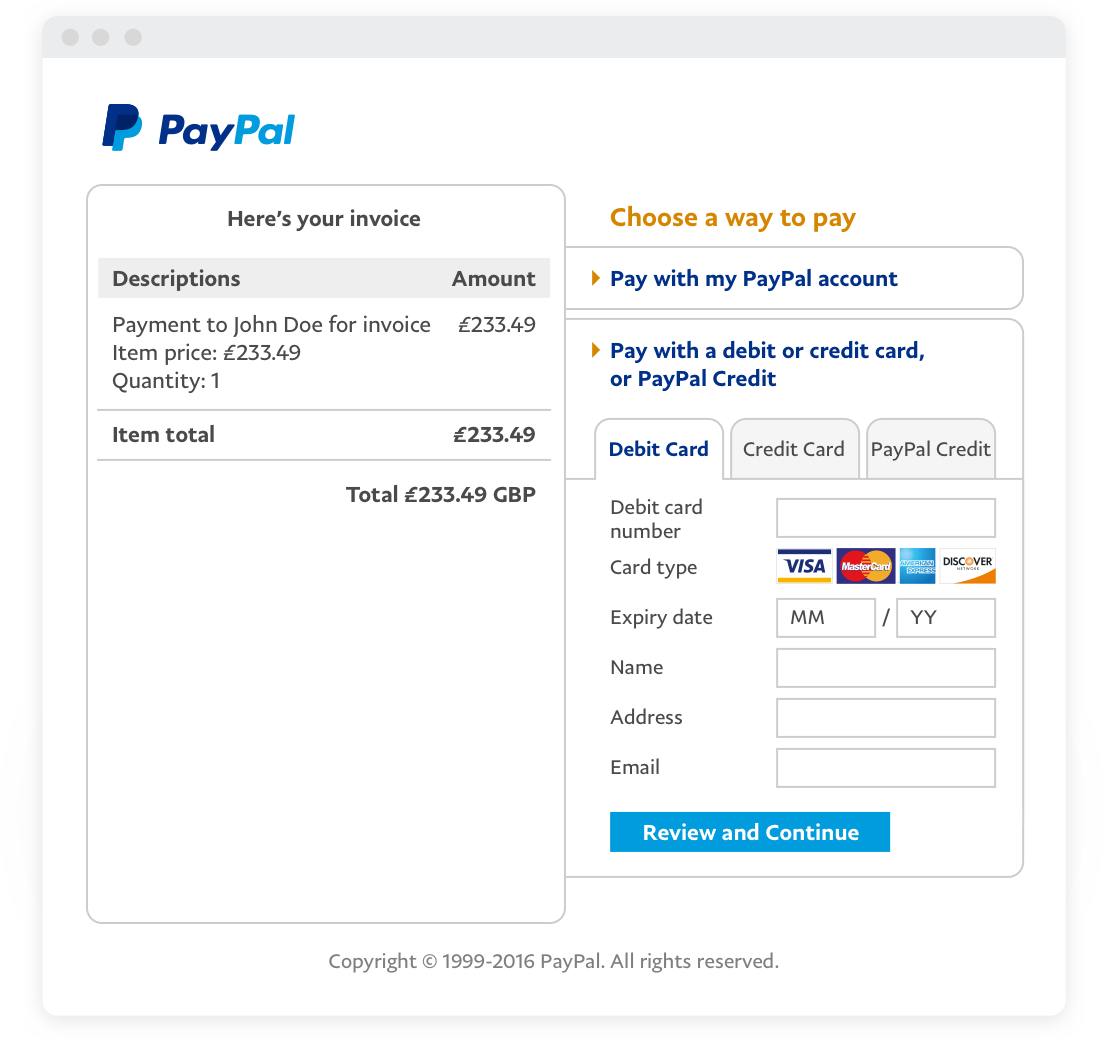
- Select a payment method such as your PayPal balance, linked bank account or debit/credit card.
- Choose the date you want the payment to process.
- Review the details and click “Pay” to complete the payment.
PayPal will notify you when the payment succeeds or if there are any issues to address. In most cases, it takes 2-3 business days for your credit card company to register the payment.
You can also set up recurring payments through PayPal to have your credit card bill paid automatically each month. Simply check the “Recurring Payment” box when you initiate the payment.
Payment Methods for Paying Your Credit Card Bill
One of the best features of PayPal is the ability to pay your credit card bill using various payment sources in your PayPal account:
-
PayPal Balance – Money held in your PayPal account from receipts, refunds, etc.
-
Bank Account – Link bank accounts to pay directly from your checking or savings account.
-
Debit Card – Add debit cards to make instant transfers.
-
Credit Card – Use another credit card to pay your credit card bill.
-
PayPal Credit – Pay over time when you checkout with PayPal Credit.
Having multiple payment options lets you pay your bill in the way that works best for your financial situation. PayPal does not charge any fees for paying bills.
The Advantages of Paying Credit Card Bills with PayPal
There are a number of benefits to managing credit card payments through your PayPal account:
-
Convenience – Pay all your bills from one place without logging in to multiple accounts.
-
Payment Reminders – PayPal can send you reminders when your credit card payment is due.
-
Payment Tracking – Easily track all your credit card payments in one place.
-
Automatic Recurring Payments – Set it and forget it by automating your monthly credit card payments.
-
Multiple Payment Sources – Pay from whatever account or card you prefer each month.
-
FDIC Insurance for Bank Transfers – Eligible bank account payments have up to $250,000 of FDIC pass-through insurance.
-
Reward Points – Some credit cards provide extra reward points for payments made through PayPal.
-
Credit Card Consolidation – Consolidate multiple credit card bills into one easy payment hub.
For those looking to simplify bill management, PayPal provides a powerful hub to easily control all credit card repayment activities.
Potential Drawbacks of Paying Credit Cards with PayPal
While there are many advantages to using PayPal for credit card payments, there are a couple drawbacks to consider as well:
-
Late Payments – There is a delay between when a payment is made and when it reaches your credit card company, which can result in late fees if a payment arrives after the due date. Paying several days early helps avoid this problem.
-
Overdraft Fees – If the money in your PayPal account or linked bank account is insufficient when a credit card payment is processed, you could incur overdraft fees from your bank. Always check your balance before payments.
-
Account Monitoring – Logging into your credit card account less frequently can make you slower to spot fraudulent charges. Review statements regularly to ensure charges are valid.
As long as payments are initiated in a timely manner and account funds are verified beforehand, these drawbacks can easily be avoided when paying credit cards through PayPal.
Troubleshooting PayPal Credit Card Payments
While PayPal credit card payments work seamlessly in most cases, here are some troubleshooting tips for a few issues that can arise:
-
Payment Never Arrived – It can take 2-3 business days for PayPal payments to post to your credit card account. If a payment doesn’t arrive after 5 days, contact PayPal to trace the transaction.
-
Wrong Payment Amount – Double check that the payment amount matches your statement before submitting. If incorrect, contact PayPal right away to attempt to cancel the payment.
-
Late Payment Fee – If a PayPal payment arrives after your due date and incurs a late fee, contact your credit card issuer to request a one-time waiver and refund of the charge given the processing delay.
-
Recurring Payment Stopped – If a recurring payment you set up fails, go into your PayPal account and reactivate the automated billing agreement.
PayPal customer service can help resolve most issues with payments. Be ready to provide transaction details and any confirmation numbers.
PayPal Provides a Convenient Credit Card Payment Option
Paying your credit card through PayPal offers a host of benefits that simplify bill management for consumers. Seamless automated recurring payments, payment reminders, consolidated account dashboards, and flexible payment sources provide compelling reasons for credit card holders to take advantage of this free bill pay service.
While allowing an extra few days for payments to avoid late fees, using PayPal for credit card payments eliminates the hassle of logging into multiple accounts and provides greater visibility into payment activity. For those looking to optimize bill pay, PayPal can serve as a powerful one-stop hub for all credit card repayment needs.
How To Pay Credit Card Bill with Paypal (2024)
FAQ
Can you pay a credit card with PayPal?
How much does PayPal charge for credit card payments?
|
Payment Type through an Invoicing Transaction
|
Rate
|
|
PayPal Checkout, Pay with Venmo, PayPal Pay Later offers, or PayPal Guest Checkout
|
3.49% + fixed fee
|
|
Standard Credit and Debit Card Payments, Apple Pay, or other third-party wallets
|
2.99% + fixed fee
|
Can you transfer money from PayPal to a credit card?
Can I use PayPal bill pay without a credit card?
Yes, you can still use PayPal Bill Pay without a credit card. You can make payments through PayPal Bill Pay if you have a linked bank account or debit card. This option is particularly helpful for those who prefer not to use credit cards or do not have one. How secure is PayPal Bill Pay?
Should I pay my bills through PayPal bill pay?
Paying your bills through PayPal Bill Pay is a great way to avoid incurring credit card fees when paying for bills. When you use a credit card with a generous sign-up bonus, you can earn a significant amount of points when using PayPal Bill Pay to pay your bills.
Can I pay a credit card with PayPal?
You cannot pay a credit card with PayPal directly, but you can transfer money from your PayPal balance to your bank account and then make a credit card payment with that money.
Can I use my PayPal balance to pay my credit card bill?
If you’re looking to use your PayPal balance to pay your credit card bill, your best bet is to transfer the money to your bank account and then use your bank account to pay the credit card bill. Regular PayPal bank transfers are free, and the transfer is completed in 1-3 days.
Can I use my new PayPal card to pay my bill?
As long as your service provider accepts Mastercard credit or debit cards, you can use your new PayPal card to pay your bill. Log into your account. You might have a username set up with your provider, but you might also use an email address instead of a username. Enter your PayPal Card information as your payment method.
What is PayPal bill pay?
PayPal’s new Bill Pay feature offers a convenient way to pay bills and utilities with a credit card, no added fees involved. It presents an excellent opportunity to earn cash back or travel rewards by utilizing your credit cards for PayPal Bill Pay. Any credit card that can be linked to your PayPal account can be used for this purpose.
